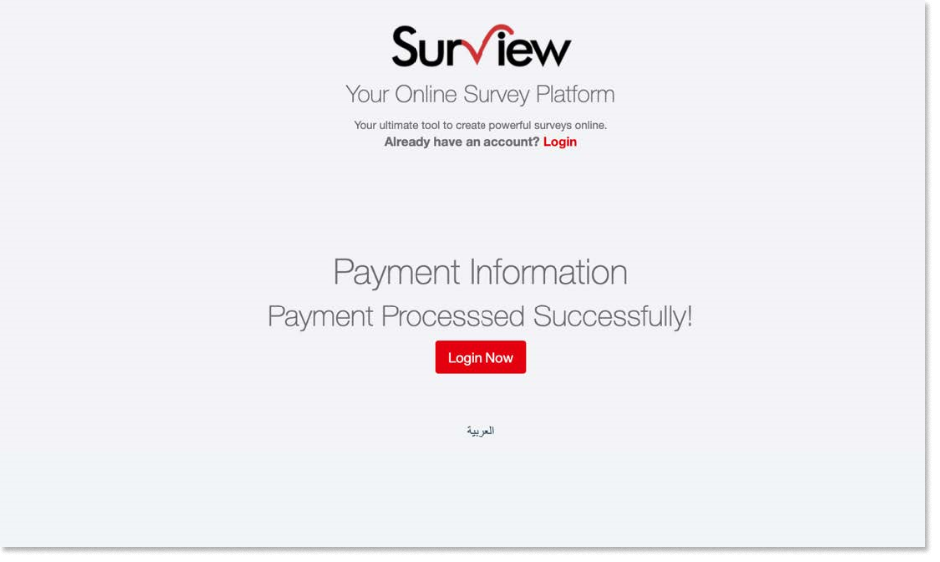
Upgrading an Existing Account
In upgrading an existing account in Surview, you have to log in and choose a paid plan from our Subscription Plans & Pricing.
Upgrading an Existing Account:
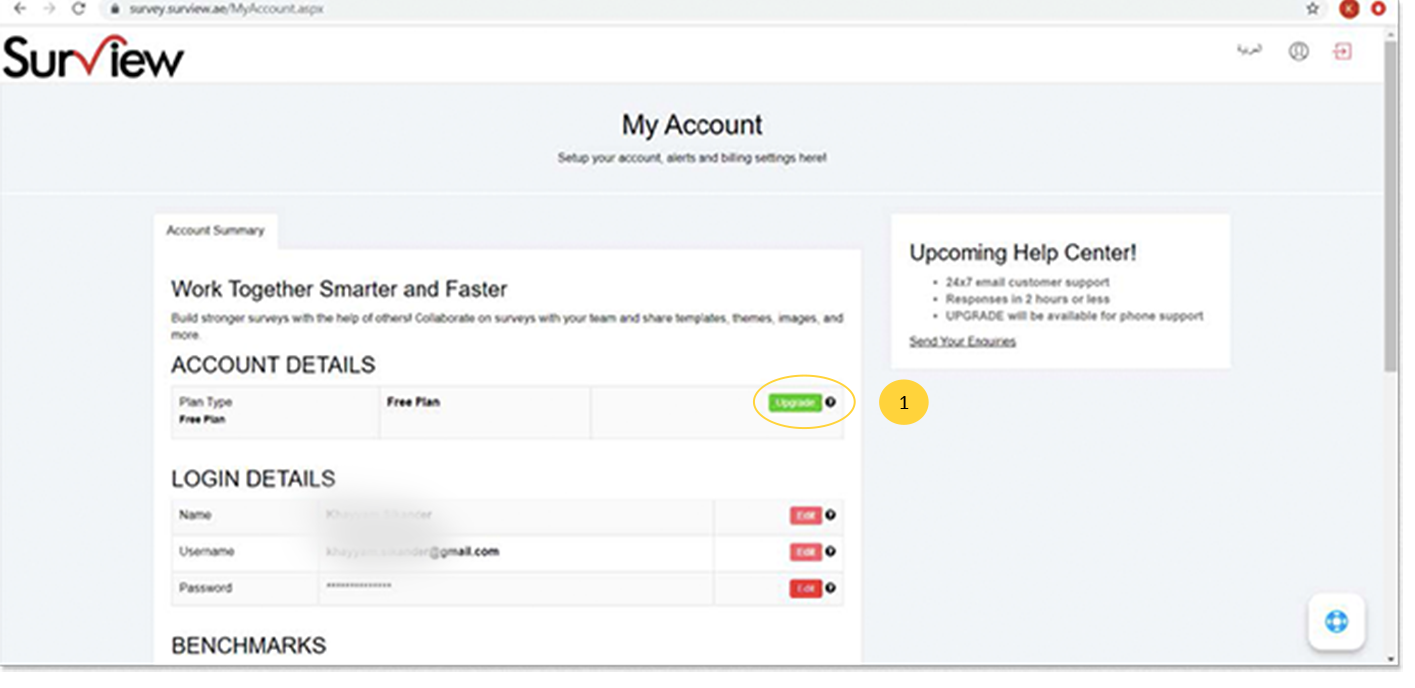
- Once logged in, visit the My Account area and click on green upgrade button.
- The package selector and payment processing screen will show.
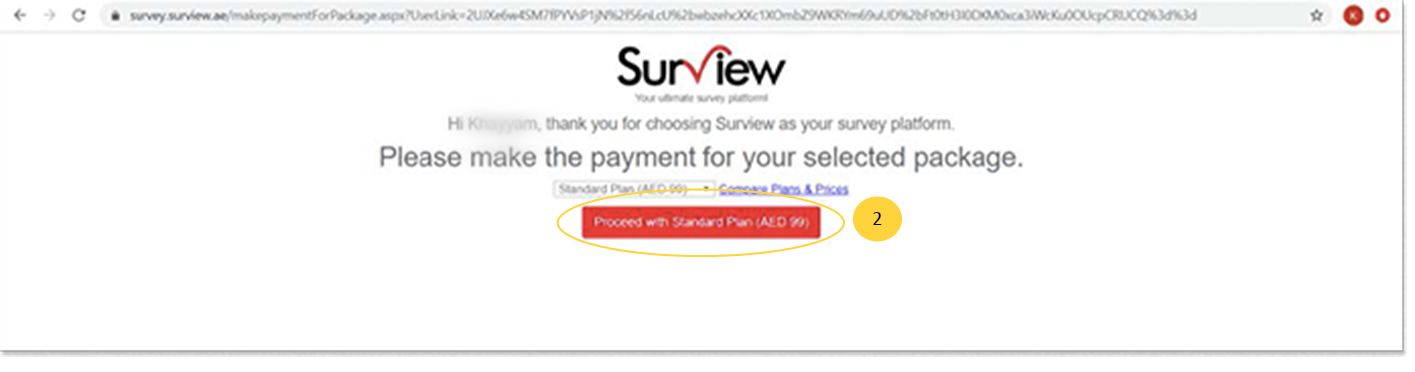
- Once you click on the proceed with <Selected Package Name>, you will be redirected to payment gateway.
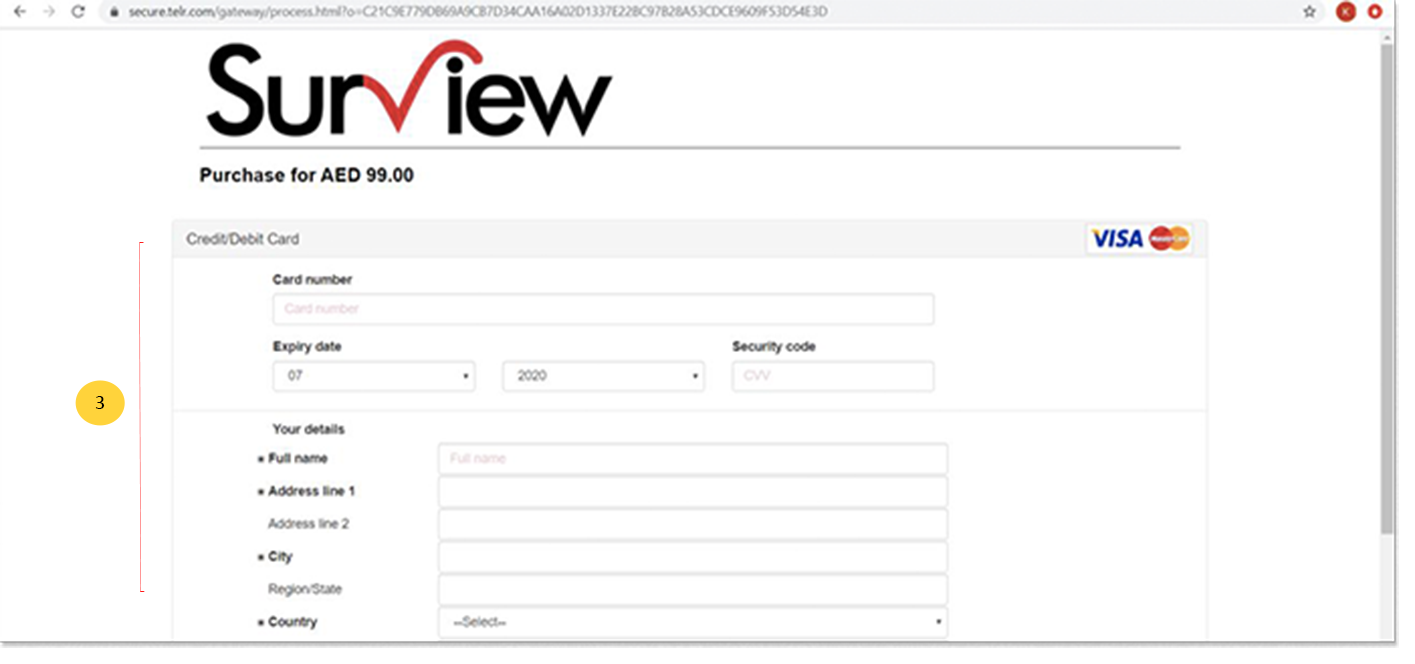
- Enter your card details and once payment is done, you can now proceed with survey creation.